
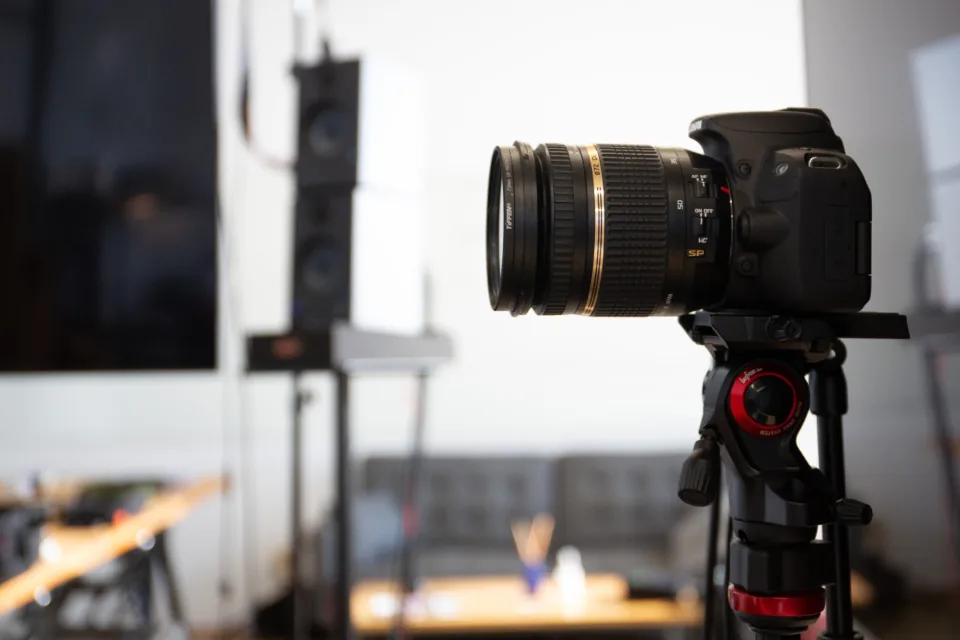
During the shootProxies, minutes after cut.
- Small H.264 or XAVC proxies, a few hundred megabytes an hour.
- Fit on venue Wi-Fi or a phone hotspot.
- The editor starts the assembly while you are still rolling.
Camera to cloud for video
Your camera sends each clip from its own FTP menu, and your iPhone sends from the camera roll. We deliver a checked copy to the editor’s Google Drive, your Mac, the studio NAS, or all three, minutes after you cut.
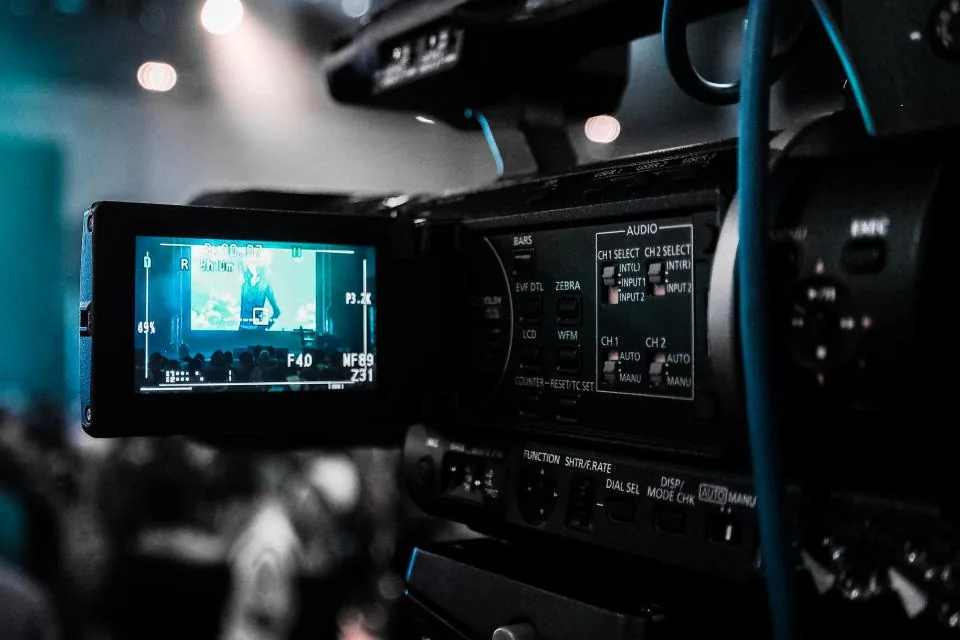
No card reader, no upload at the hotel. The camera already knows how to send a file; we make sure it lands where the edit happens.
Stop recording. Depending on the body, the clip goes out on its own, or you send it from playback.
A proxy leaves over venue Wi-Fi, a phone hotspot, or Ethernet while you set up the next take.
We check the file, then deliver a copy to each place the job needs. Each destination returns its own receipt.
Most crews send small proxies during the shoot and the camera originals once they have bandwidth. Both land in the same folders.
Bodies that send clips include the Sony FX6, Canon C70, Canon R5 C and Nikon Z 9. Menu paths come from each manufacturer’s manual; hardware testing is still to come.
Pick clips from the camera roll and send them into a flow. The Mac app writes them to the folder you chose, at home or at the office, along with any other destination in the flow.
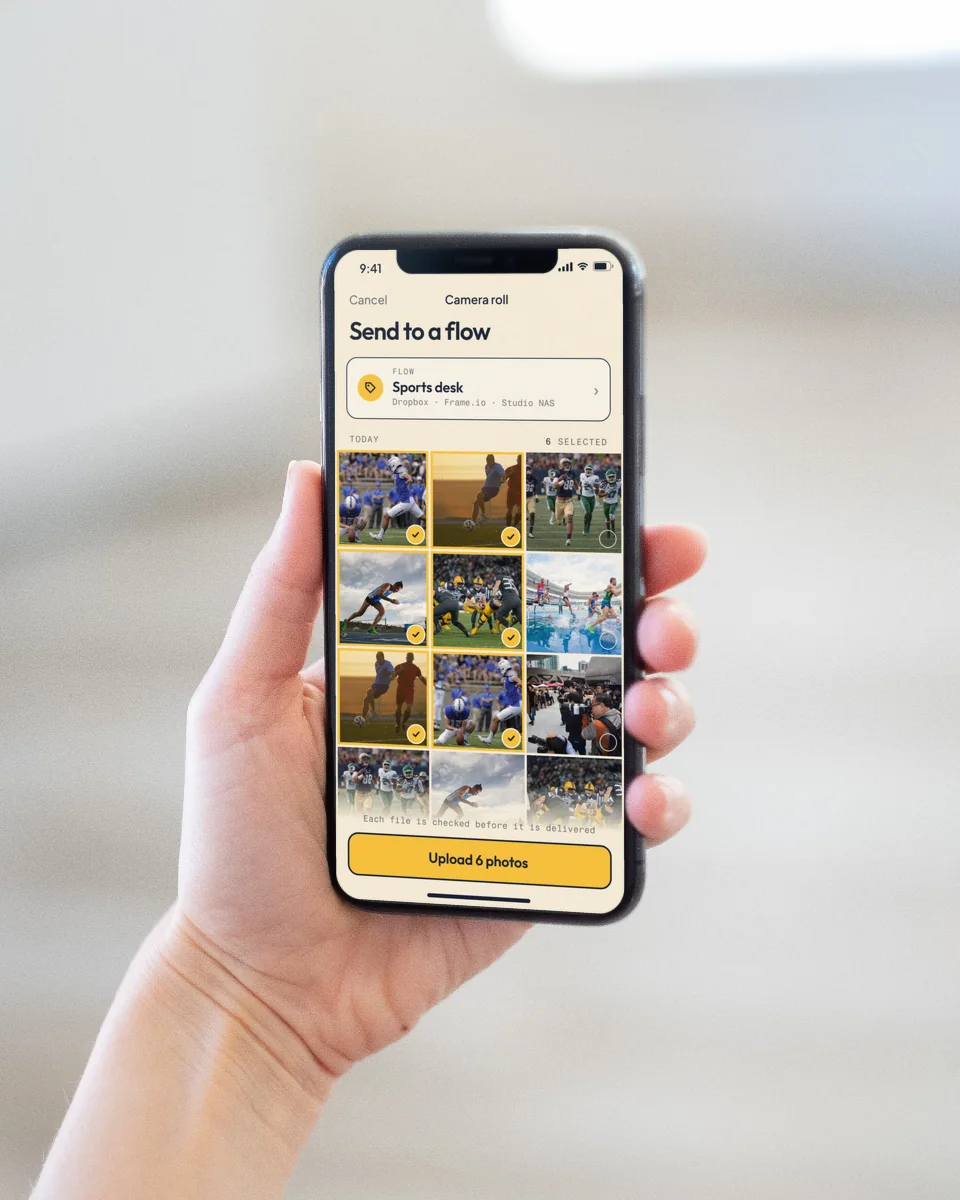
iPhone + iPad · free on the App Store
Pair once, choose photos or video, and watch each file’s delivery status after it leaves the phone.
Get it on the App StoreMac
Checked files go to an internal folder, an external SSD, or a mounted volume. Interrupted transfers resume; you never see a half-written file.
Sign in to downloadPick the folder once per flow. Every copy is confirmed by the destination’s own receipt before it counts as delivered.
Large clips resume from the last finished part.
A folder, an SSD, or a mounted volume.
No inbound port to open.
Any folder you choose.
Checked against Box’s own SHA-1.
Your own bucket, in resumable parts.
Delivers today; Dropbox production approval pending.
Adobe production approval and a video run pending.
The first 20 GB delivered each month are free. After that, a one-time $10 pack adds 40 GB, which works out to $0.25 per GB. No subscription, no seats.
$10this month
36 GB delivered
The first 20 GB are free; the other 16 GB use 1 pack of 40 GB at $10. Packs never expire.
Estimated from bitrate alone. Your destination storage is yours to pay for.
Frame.io is the right home when the whole edit lives in Frame.io. Camera to Anywhere fits when clips need to go to several places, or to storage you already own.
| Topic | Frame.io Camera to Cloud | Camera to Anywhere |
|---|---|---|
| Cameras | Supported cameras, encoders and apps | Any of 134 catalog bodies with an FTP menu, plus iPhone |
| Where clips go | A Frame.io project | Several destinations at once, including your own storage |
| What is sent | Proxies or originals, depending on device | What the camera sends: proxies, originals, or both |
| Cost model | Per member, with storage | $0.25 per GB delivered after 20 GB a month; no seats |
Based on Frame.io’s public pricing and product pages, checked October 22, 2026. Frame.io is a trademark of its owner; Camera to Anywhere is an independent service with no partnership implied. More: how Teradek and Frame.io camera to cloud works, video cameras with FTP.
You roll, and we deliver the clips.