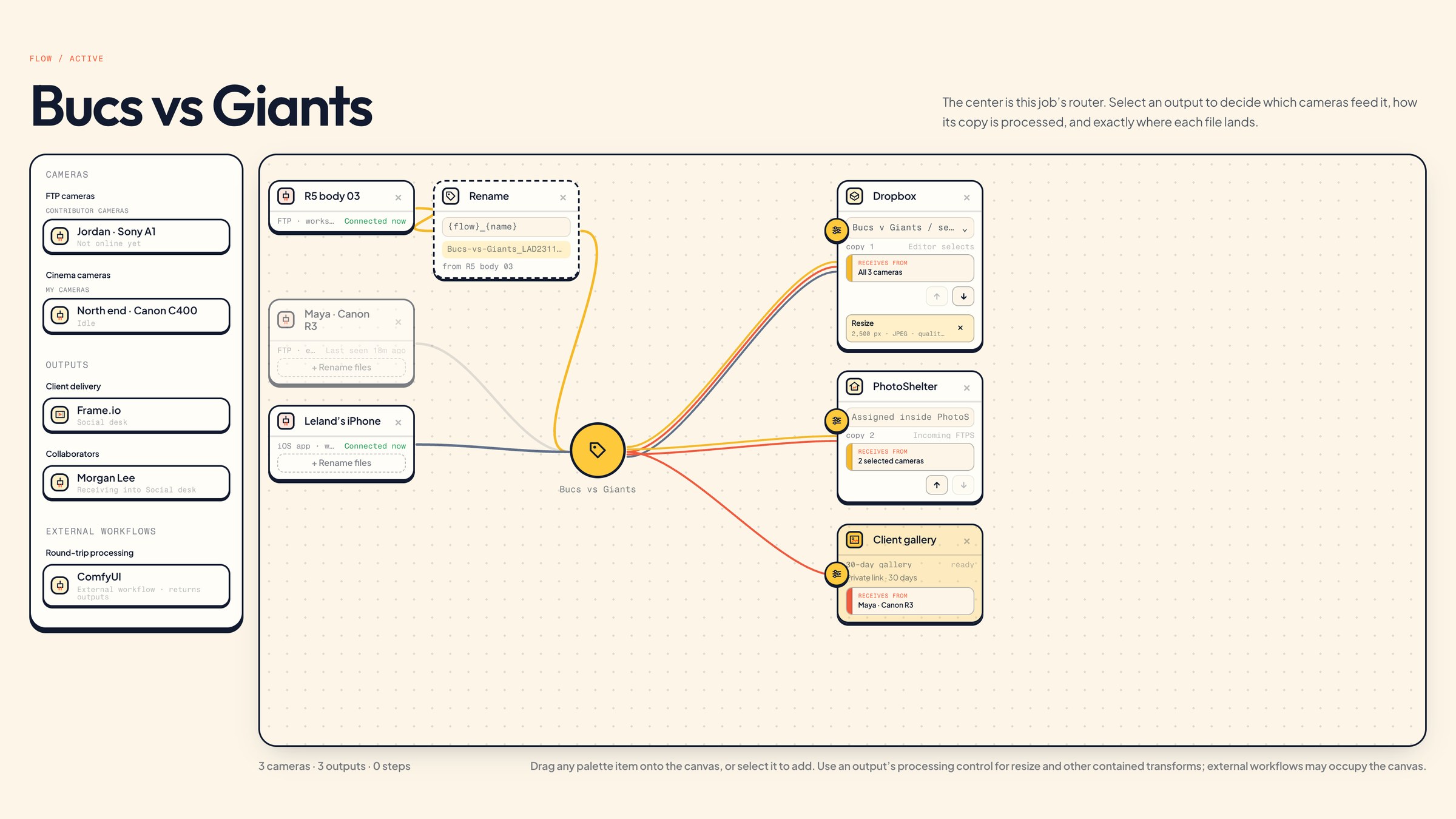
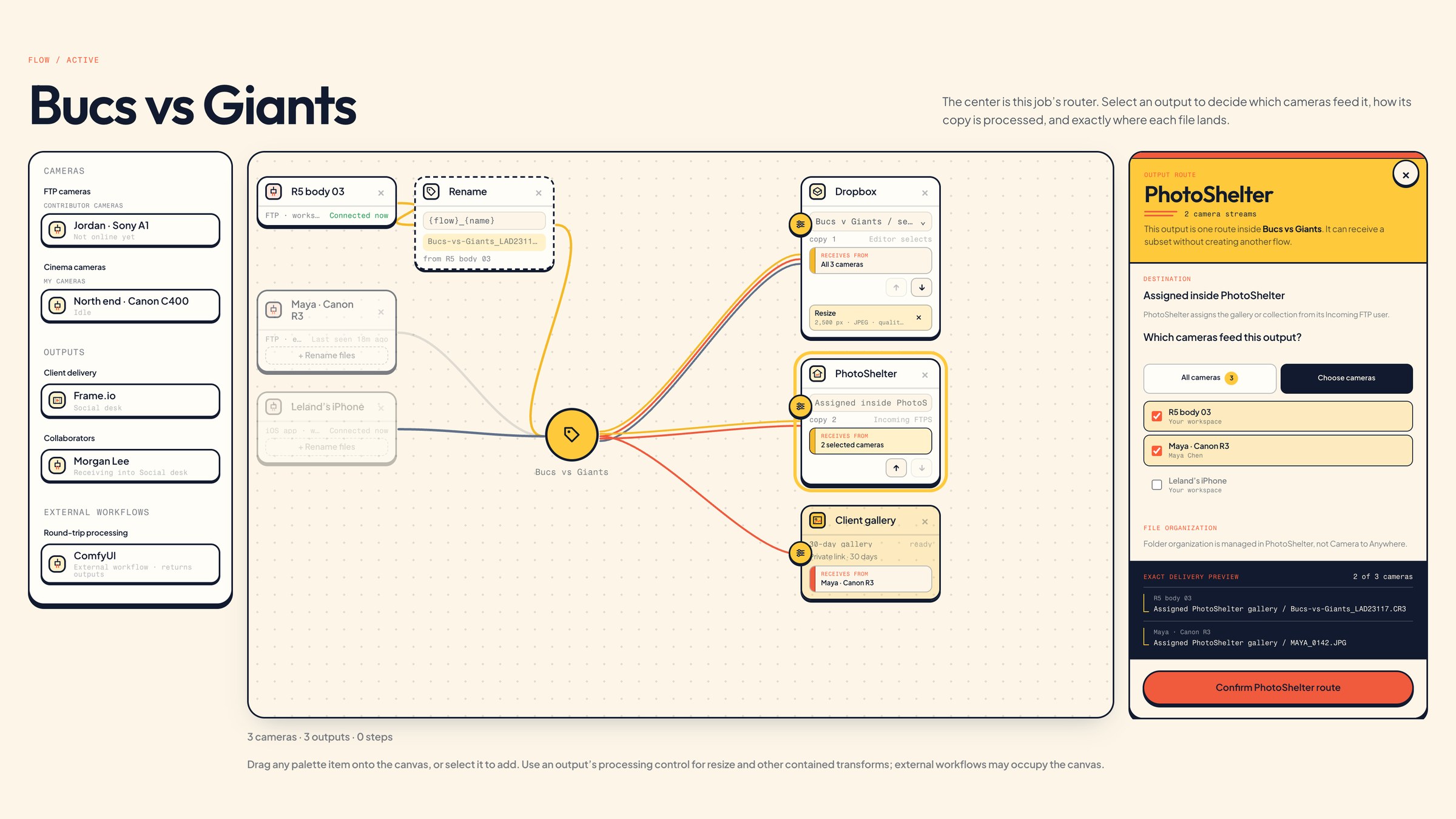
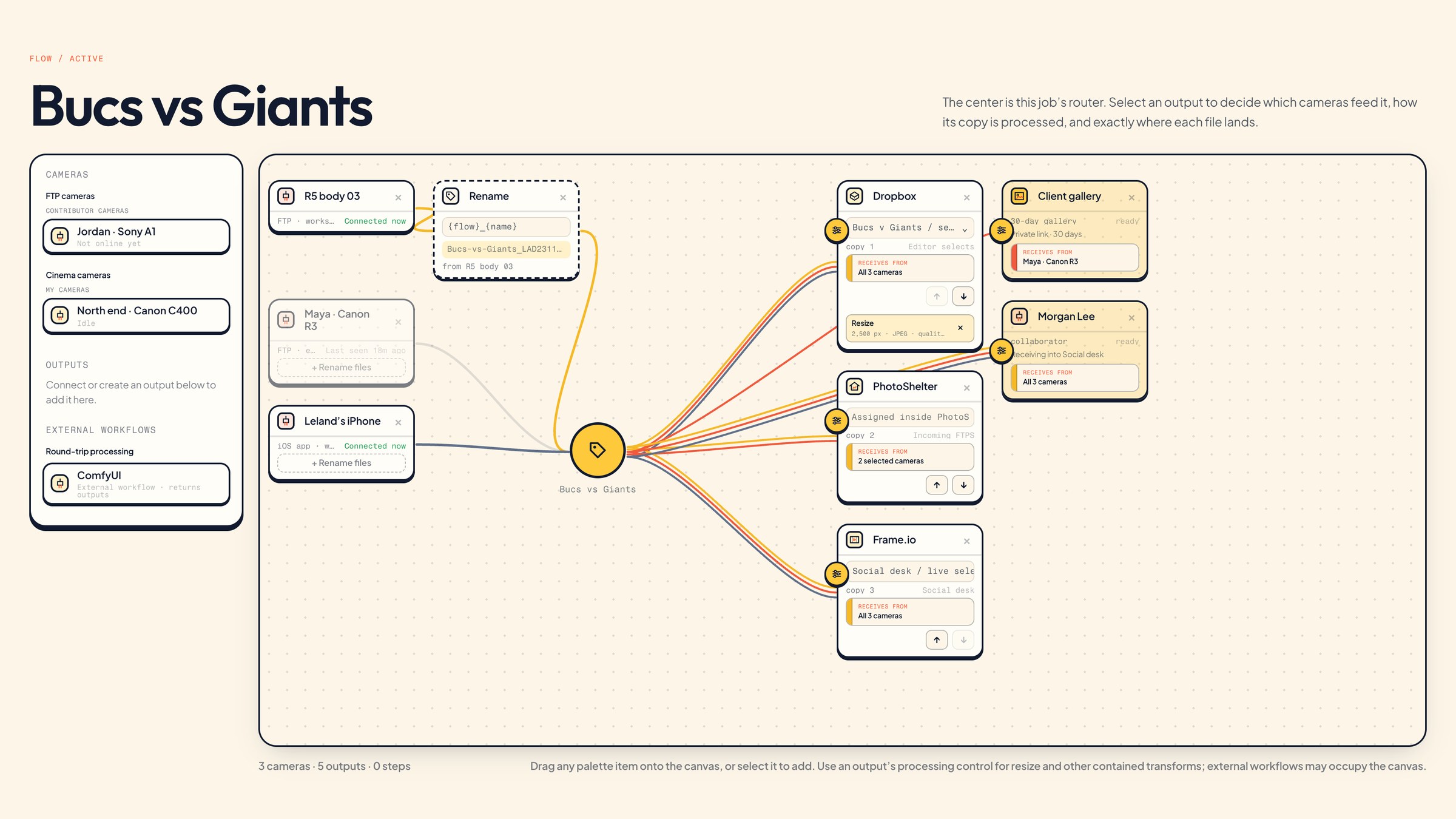
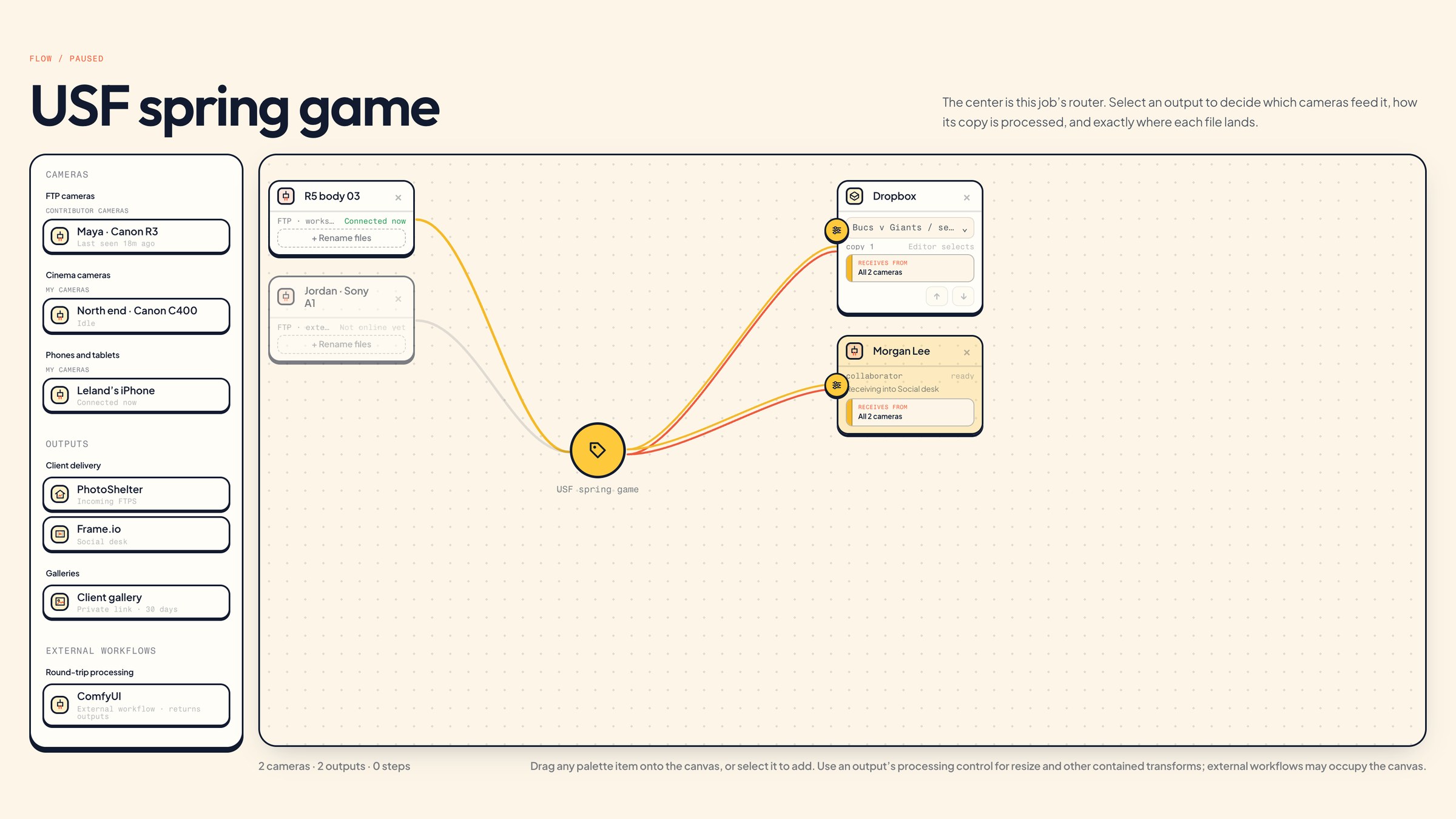
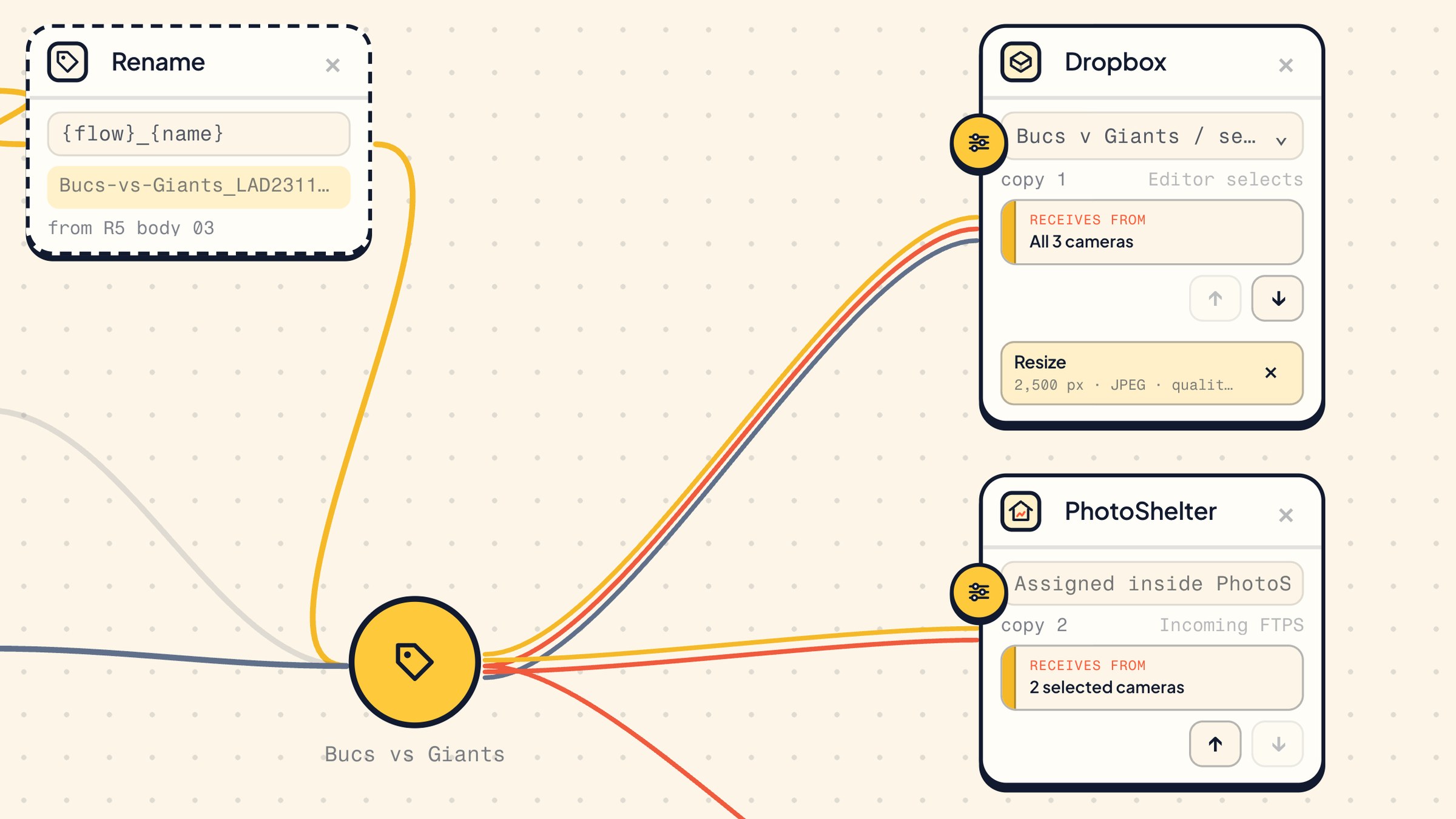
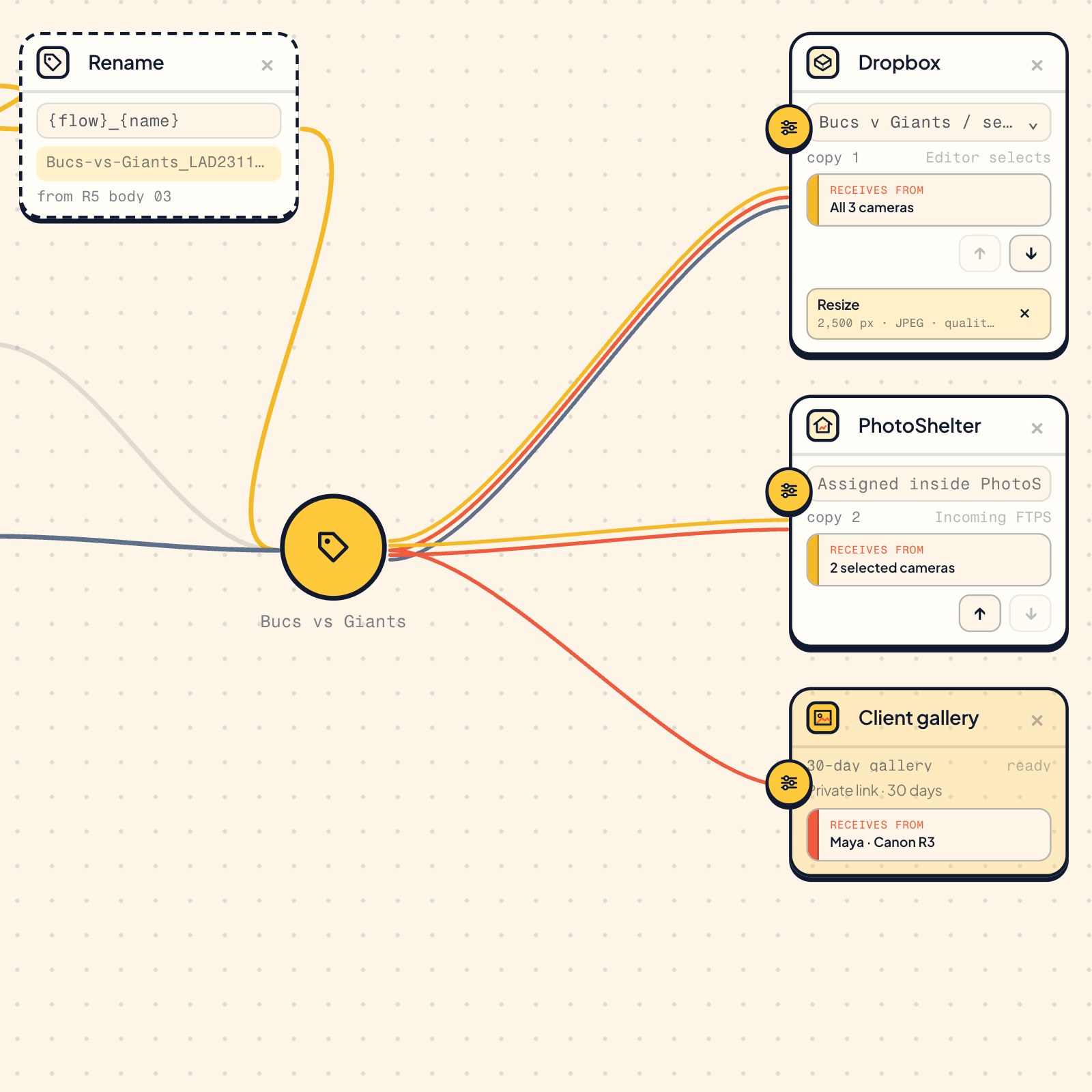
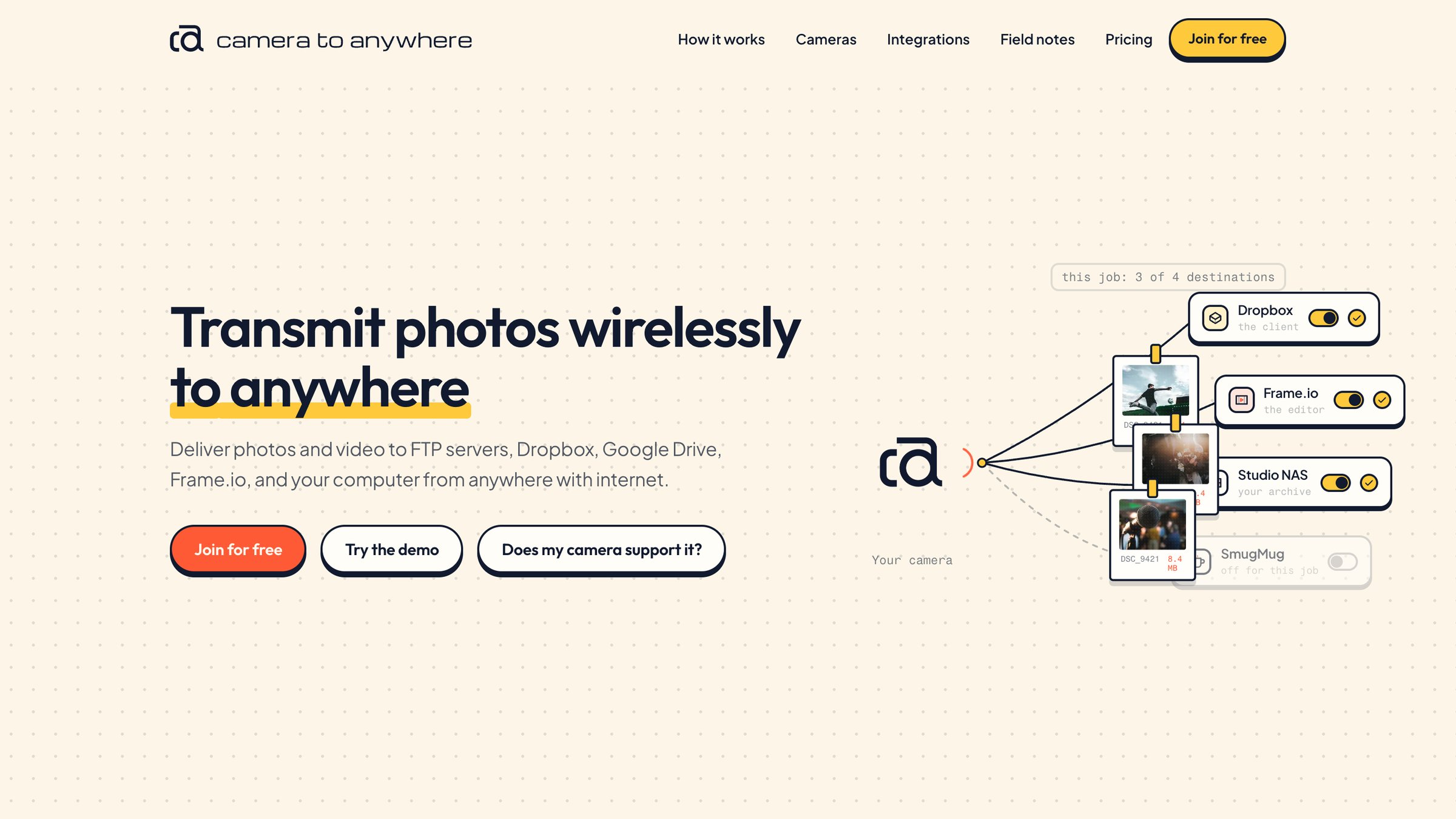
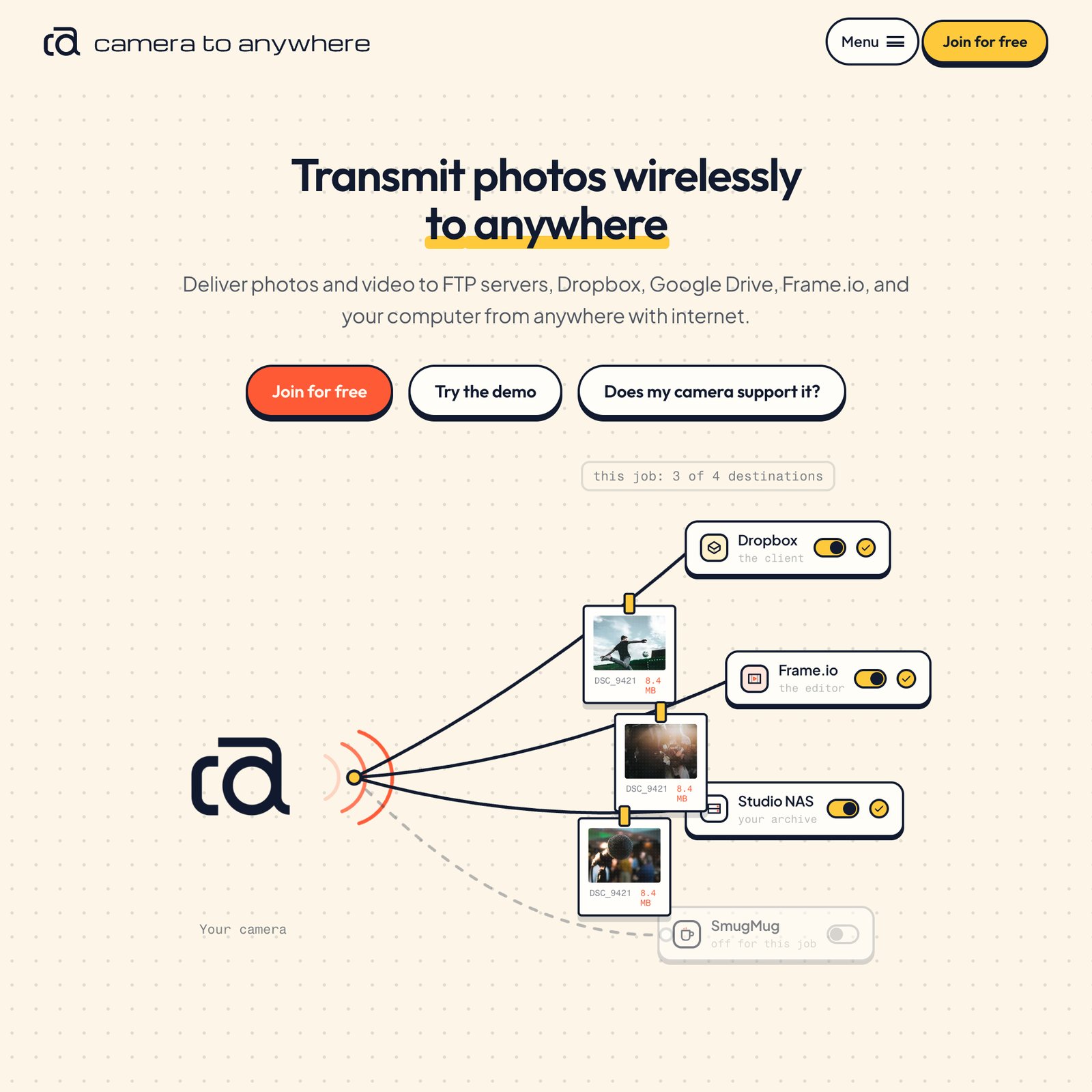
Most professional cameras have an FTP setting. It was built to reach one server. Camera to Anywhere gives the camera one address to send to. After that, the photographer decides, job by job, where each frame and clip goes next.
The camera sends each file over the internet with FTP, FTPS or SFTP, using venue Wi-Fi, a phone hotspot or a router in the bag. No laptop or card reader sits in the middle. Camera to Anywhere confirms that the file arrived intact, then sends an independent copy to each destination on the list. Each destination returns its own receipt.
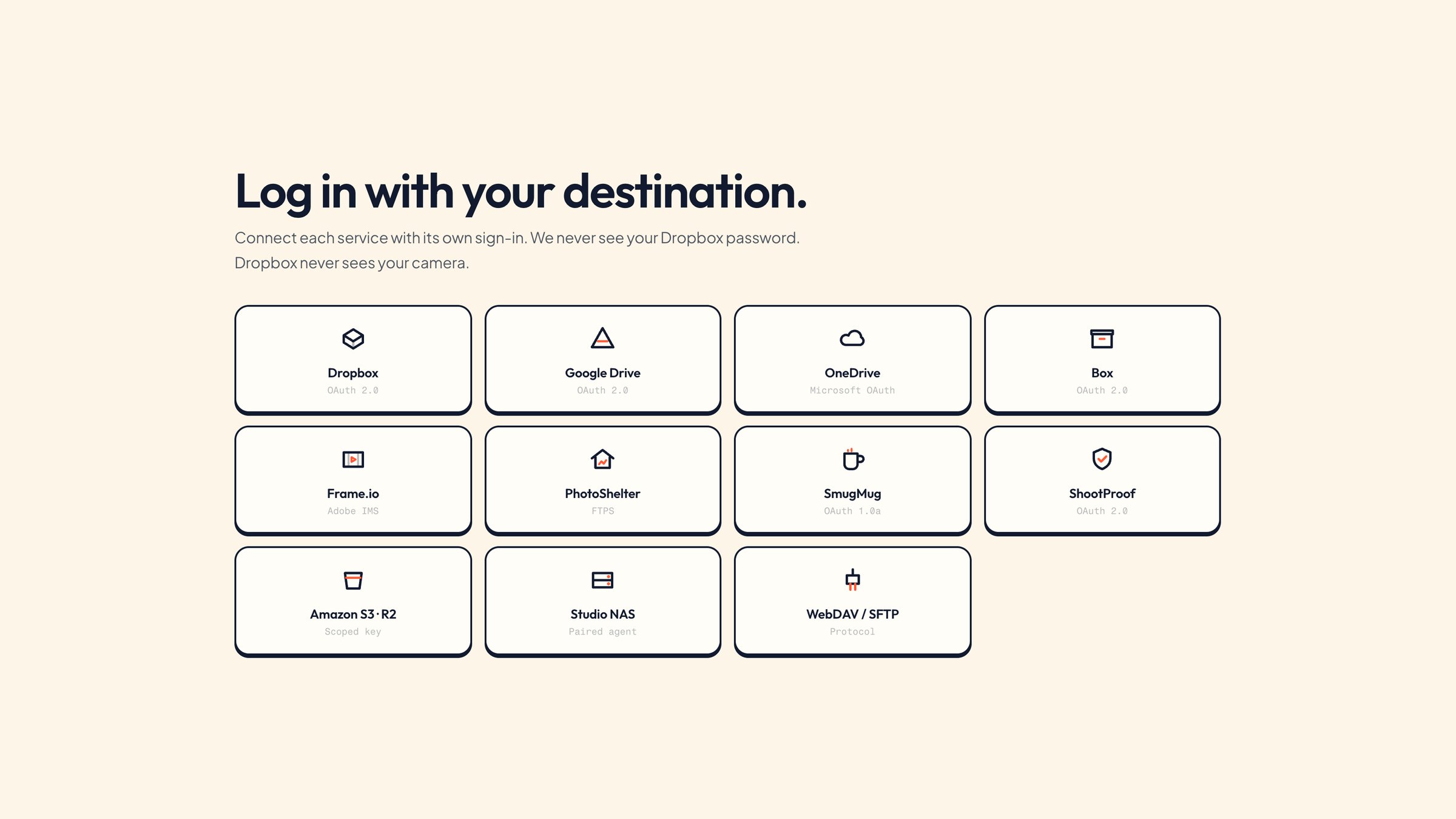
The camera never learns a Dropbox password or a Frame.io login. Each destination is connected once, with its own sign-in, in the web workspace. A failed copy can wait and retry without the camera sending the file again.
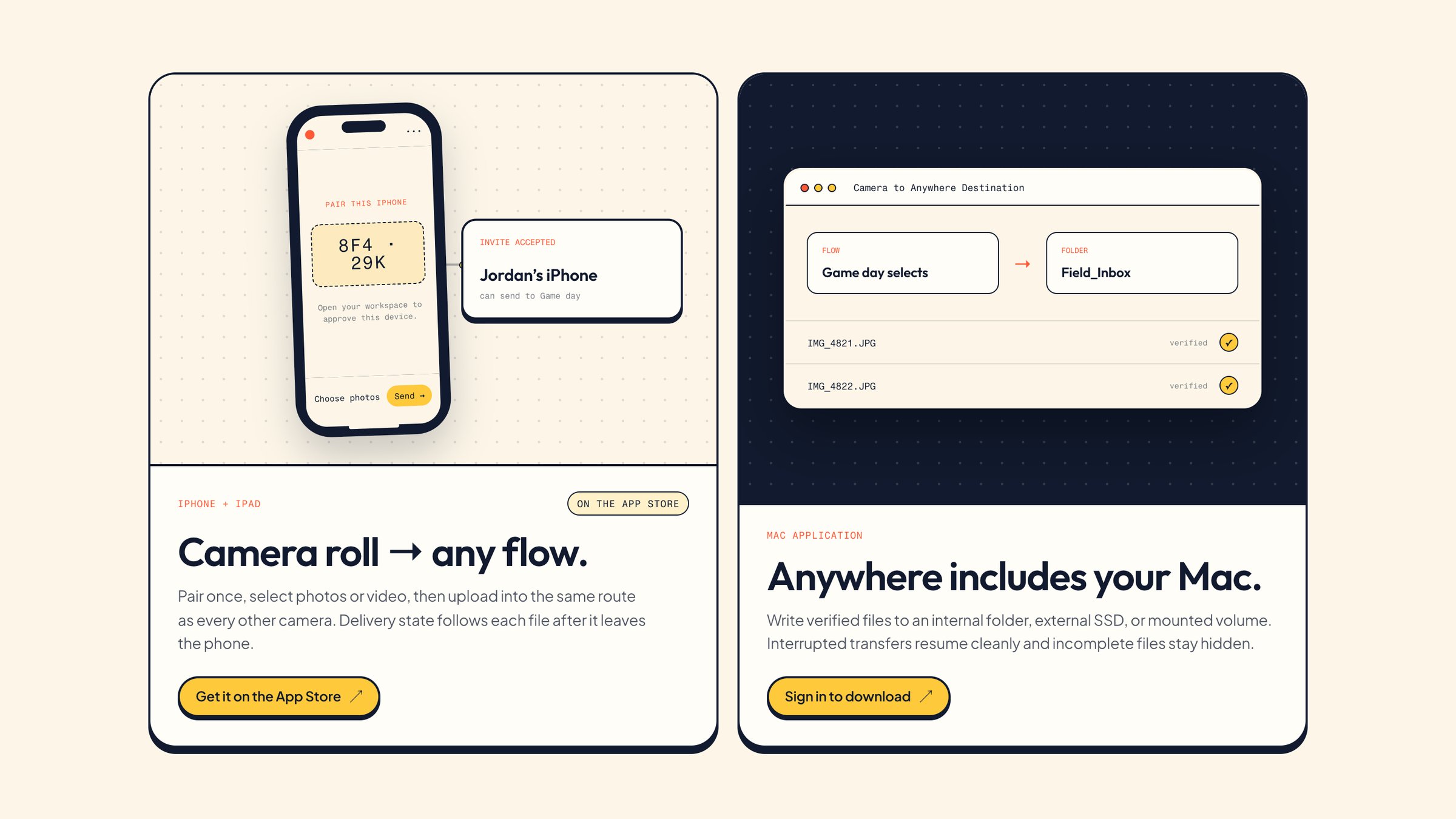
The iPhone and iPad app brings the camera roll into the same route. A user pairs the phone once, picks photos or video, and they upload in the background. The Mac app is a one-way destination: it writes verified files to a chosen folder, external SSD or mounted volume.
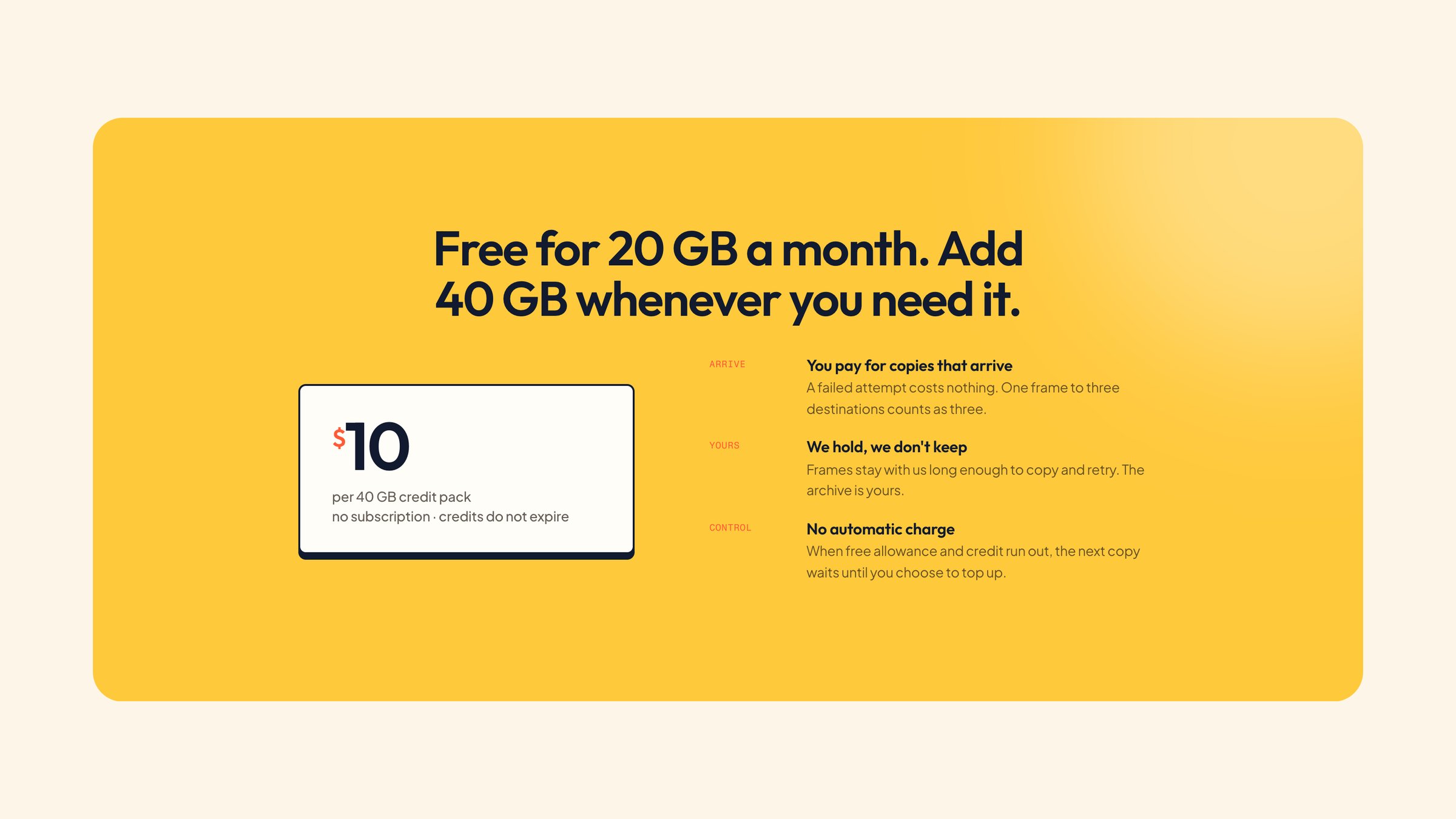
Camera to Anywhere holds a file only as long as the handoff takes. It keeps no archive. The archive is wherever the job sent the files.