Camera roll → any flow.
Pair once, select photos or video, then upload into the same route as every other camera. Delivery state follows each file after it leaves the phone.
Get it on the App Store

Deliver photos and video to FTP servers, Dropbox, Google Drive, Frame.io, and your computer from anywhere with internet.

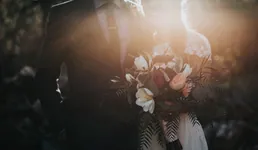

Your client had theirs before you left the venue. By the time you get home, the frames are on your computer, sorted into the folders you picked, ready to edit. Nothing to import.
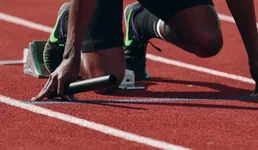
The camera sends each file directly over the internet using its built-in FTP setting. No manufacturer app, laptop, or card reader sits in the middle.
Venue Wi-Fi, your phone as a hotspot, or a router in the bag. The camera never leaves your hands.
Then we hold it only as long as the handoff takes. We keep no archive.
And with the picture desk before the anthem ends. Every destination gets its own copy at the same moment.
Connect each destination once with its own login. The camera only ever talks to us. You decide, per job, where we send things.
Type your model. The tutorial shows the exact menu path from the manufacturer’s manual and whether we have tested it on hardware.
Cinema bodies too. Sony’s FX3, FX6 and FX30, and Canon’s C70 and R5 C, send from the same menu. Read the FX6 tutorial.
Drag a step or a destination onto the board. Steps run in order before delivery: rename, select, color, caption. Name anything, set its folder or rule, switch it off for a job without deleting it. This is the editor you get after you join.
Connect each service with its own sign-in. We never see your Dropbox password. Dropbox never sees your camera.
Mirrorless or cinema rig, the camera has the same menu. Set our address once and every clip goes where the frames go.
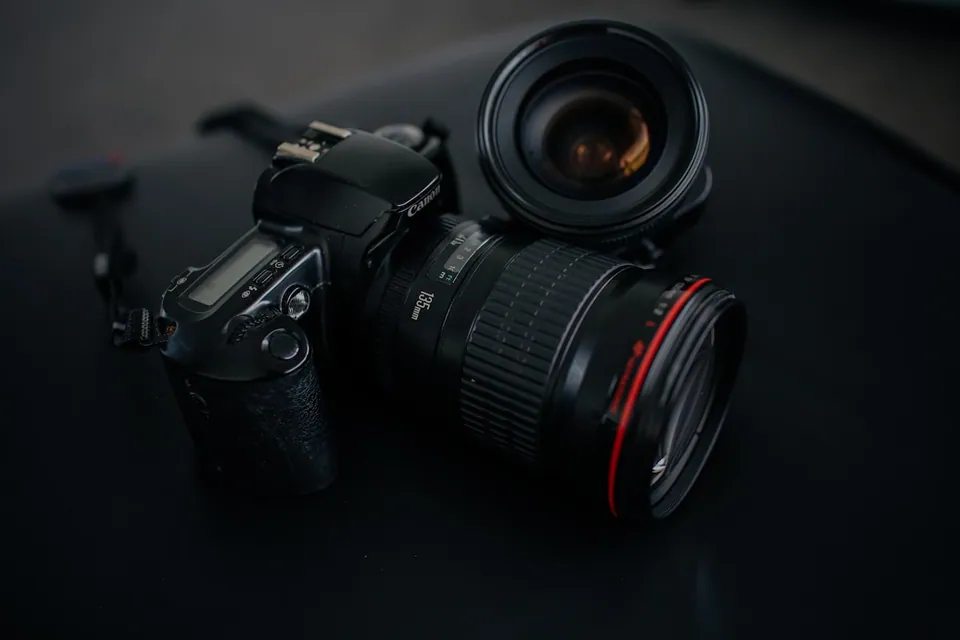
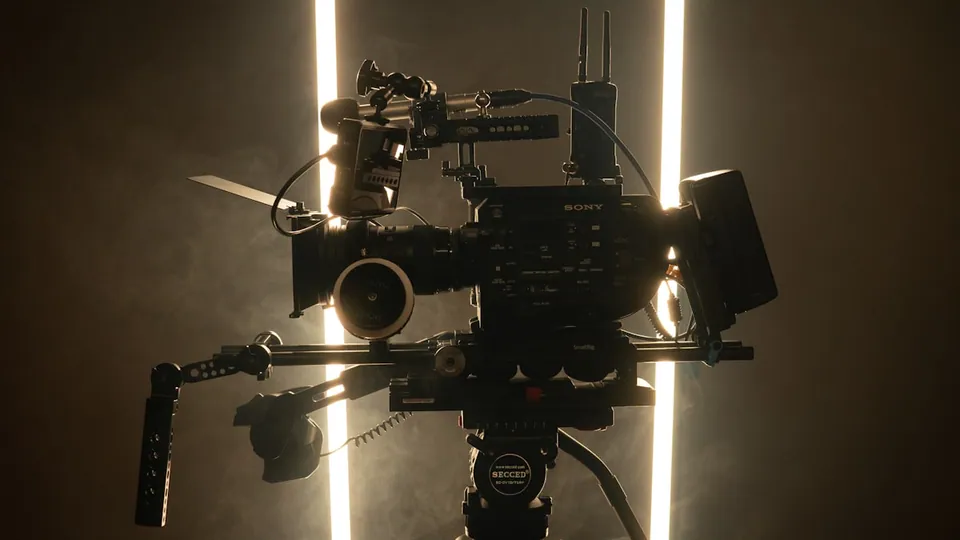
Destinations are the same list: Frame.io for the editor, Dropbox for the client, your NAS or a bucket for the archive. Each clip gets a receipt like each frame.
Use the same file flow when a camera does not speak FTP, or when the destination is a folder beside your editor instead of another cloud.
Pair once, select photos or video, then upload into the same route as every other camera. Delivery state follows each file after it leaves the phone.
Get it on the App StoreWrite verified files to an internal folder, external SSD, or mounted volume. Interrupted transfers resume cleanly and incomplete files stay hidden.
Sign in to downloadContributors, clients, and editors each get the access they need without receiving your camera password or destination credentials.
Invite another photographer or an iPhone to send new captures into a flow you control.
Send future captures to another Camera to Anywhere user. They choose which of their own flows receives the copies.
Give a client a private, 30-day view of selected work without exposing your workspace.
Stills and clips take the same route. The next person in the chain has the file before you lower the camera.
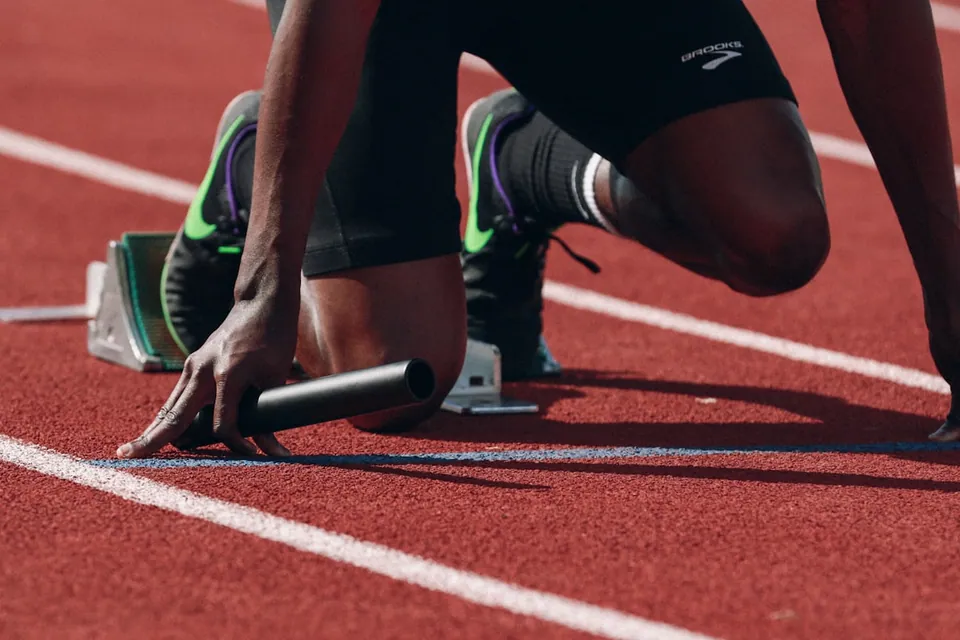
Shoot the ceremony, keep shooting. Your editor is captioning frame one while you take frame forty.
sports
Each frame reaches the desk as you take it, over your phone's hotspot. No laptop, no card reader, no hotel Wi-Fi at midnight.
news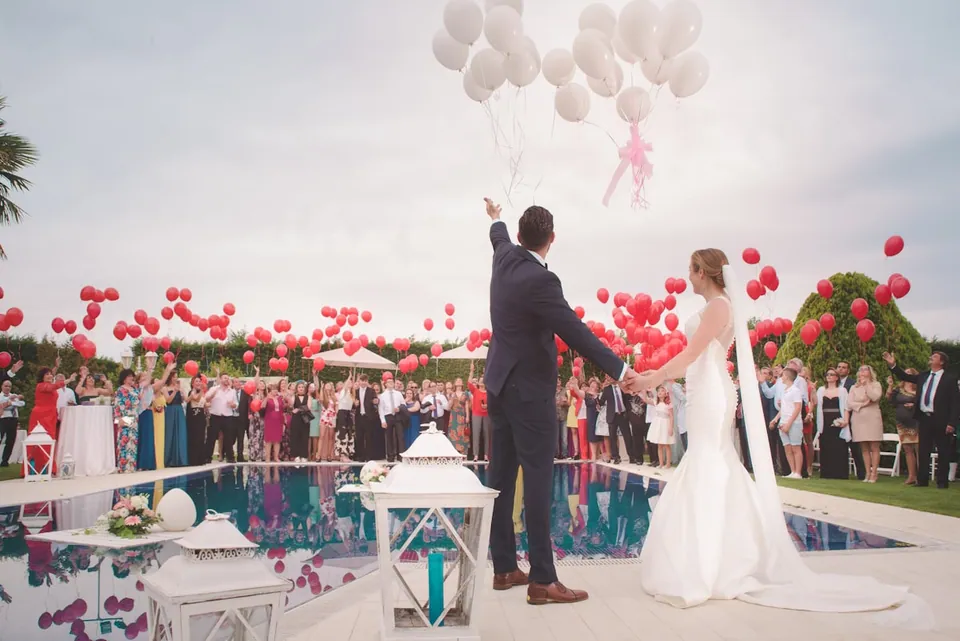
The couple's family sees the ceremony over dessert. You have not opened a laptop, and the gallery link went out with the invitations.
weddings
Drive back, open the folder. Every frame is there, sorted into the folders you picked, with a receipt for each copy. Nothing to import.
every job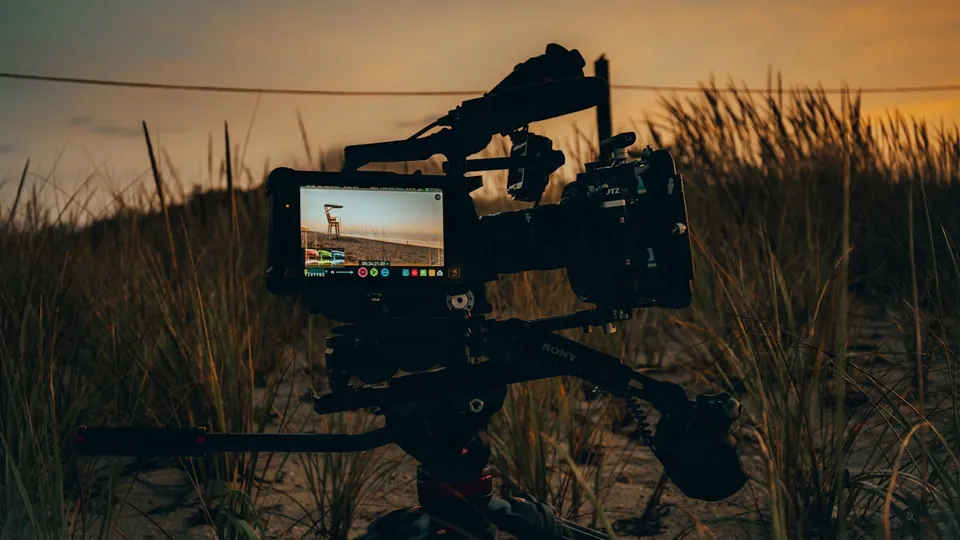
Mirrorless or cinema rig, the clip goes out the same menu. Proxies land with the editor while the take is still fresh. The originals follow.
video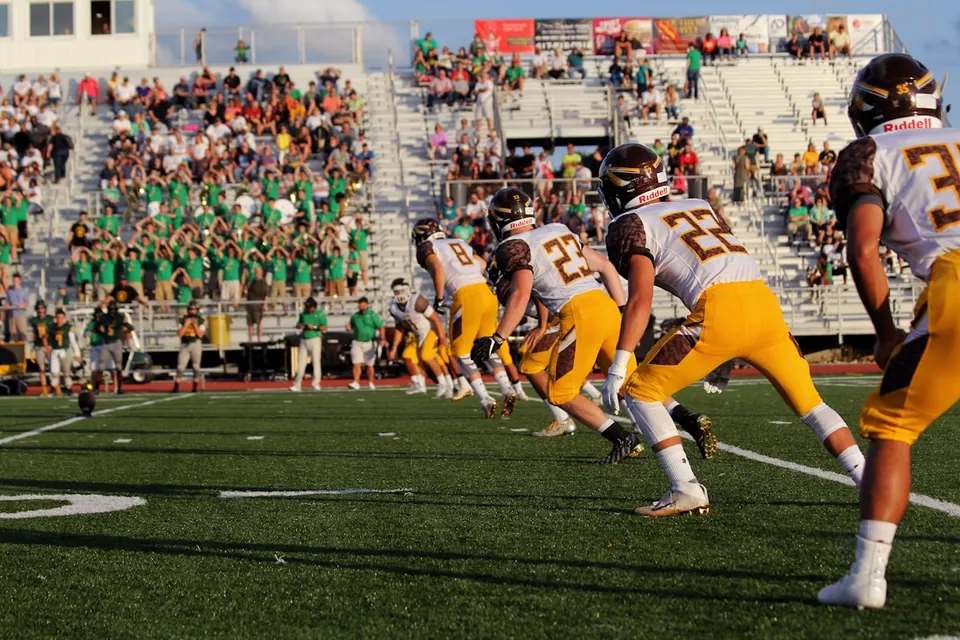
Shoot the Friday night game. Frames land in a paid gallery as you take them. A parent in the stands buys the photo of their kid's touchdown at half-time.
youth sports · impulse buyA failed attempt costs nothing. One frame to three destinations counts as three.
Frames stay with us long enough to copy and retry. The archive is yours.
When free allowance and credit run out, the next copy waits until you choose to top up.
We run the thread between them while you shoot.
Join for free