01
Configure the network route
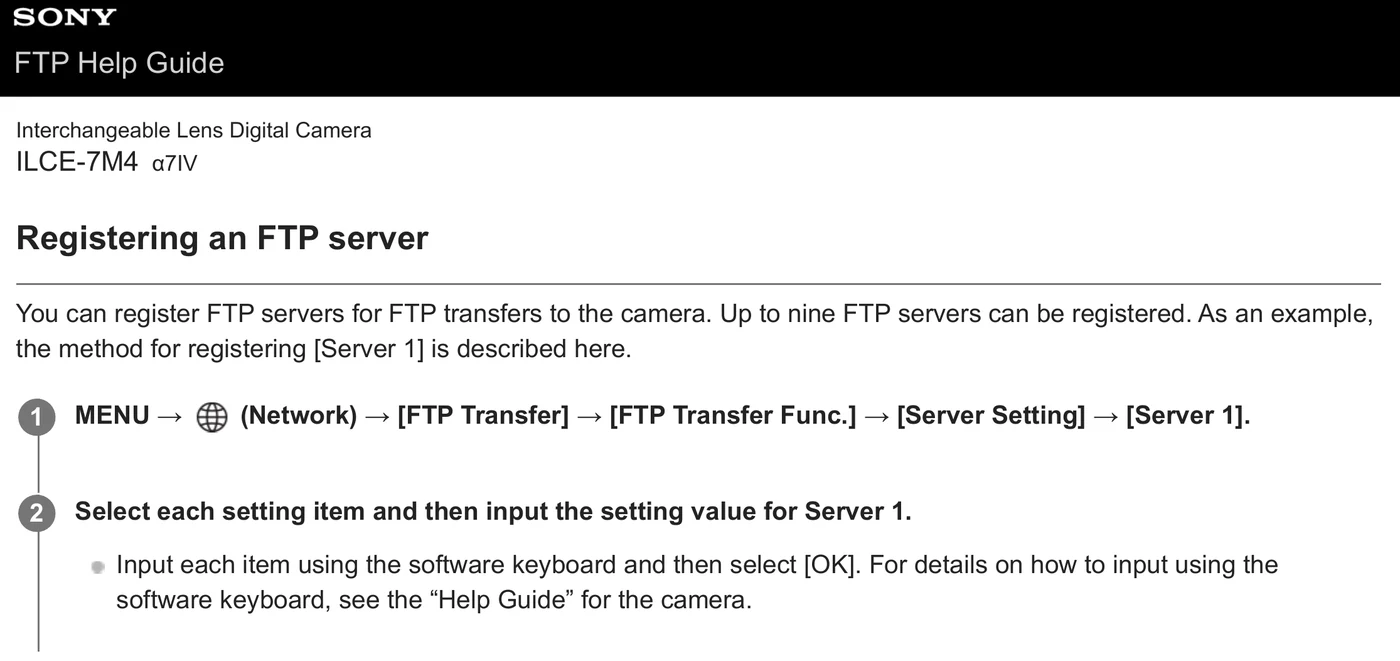
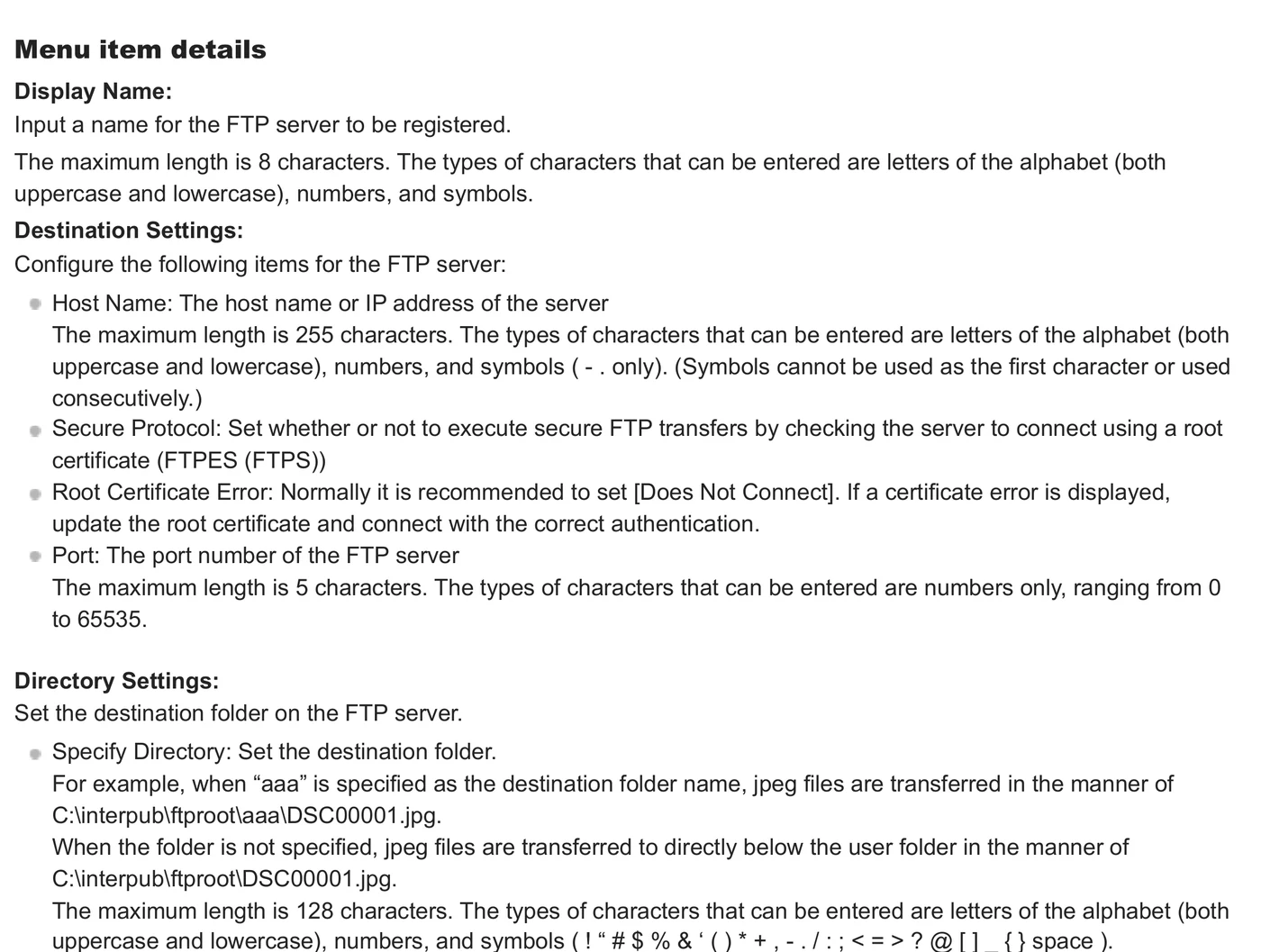
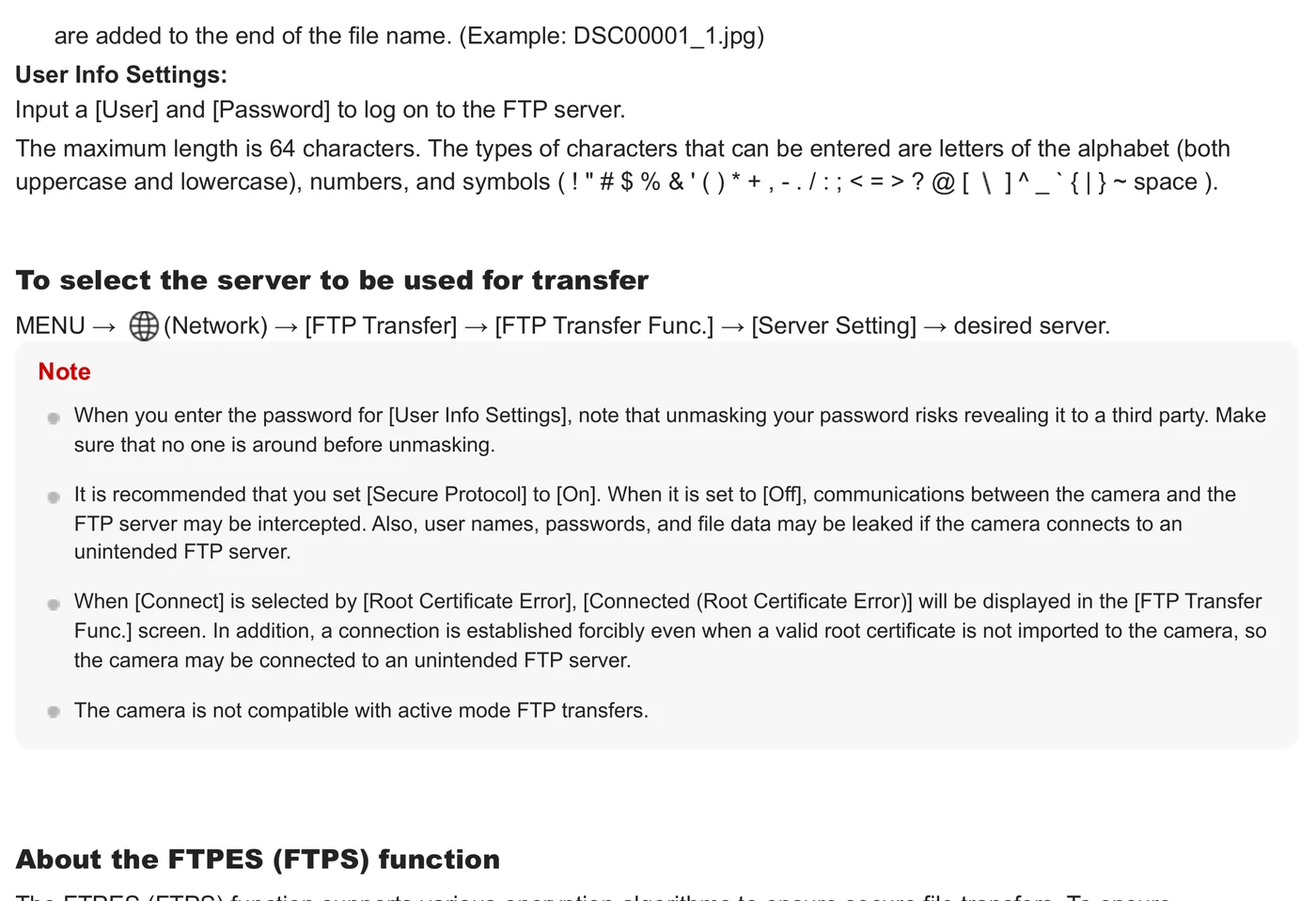
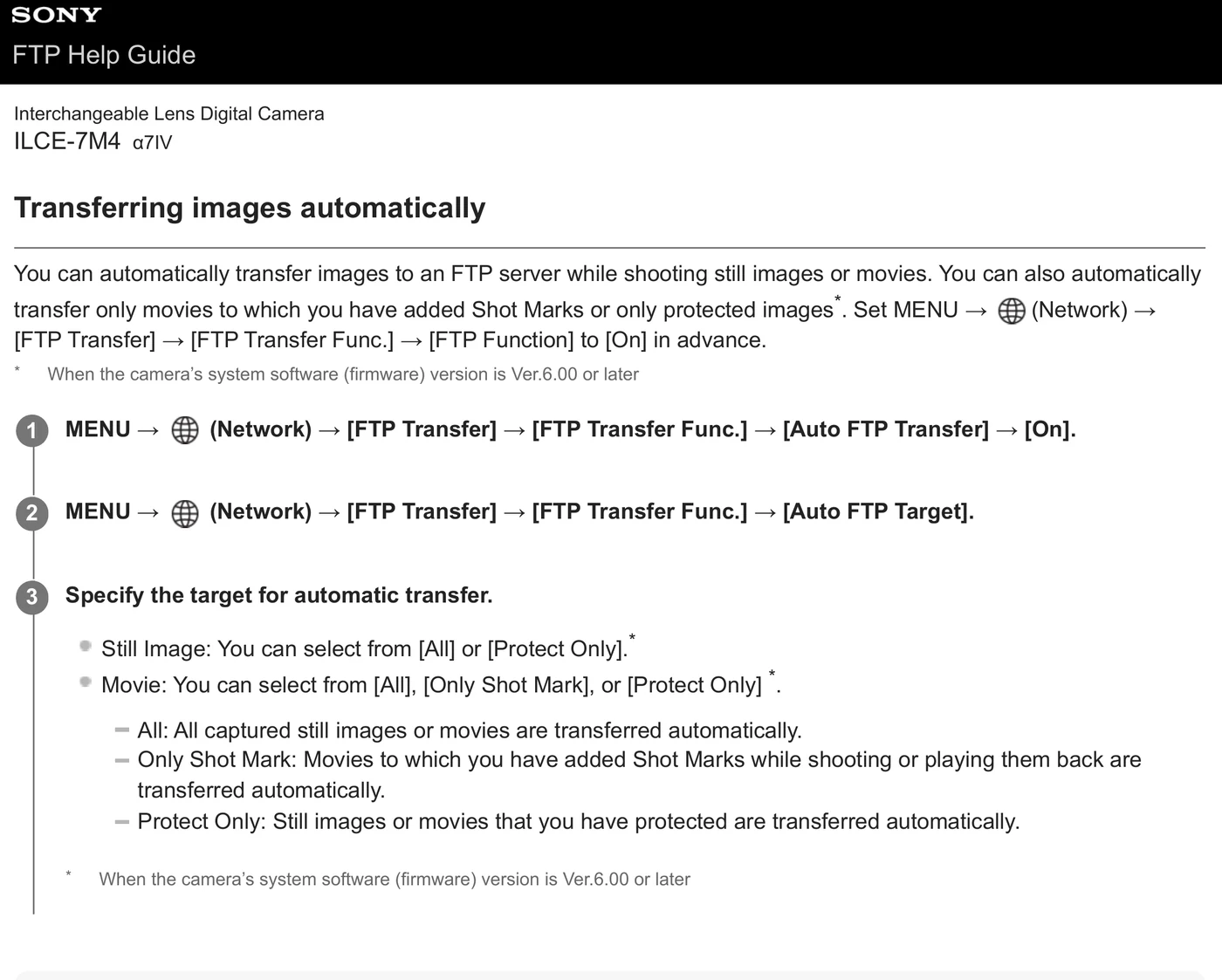
Join the venue access point/hotspot or configure the wired/tethered route documented for this body (Wi-Fi infrastructure/hotspot; USB-to-Ethernet; USB tethering).
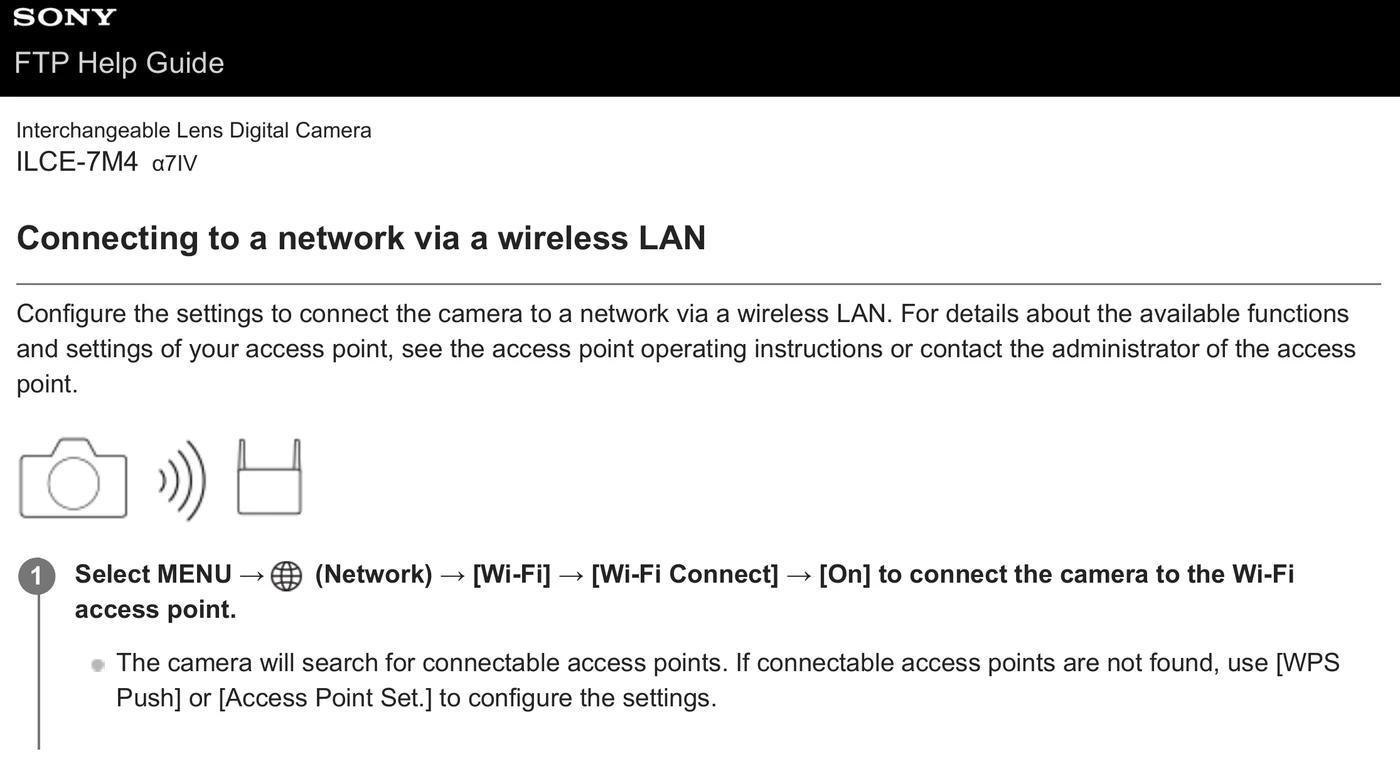
For a hotspot or venue access point, Sony directs Alpha 7 IV operators to MENU > Network > Wi-Fi > Wi-Fi Connect > On, then WPS Push or Access Point Set when needed.
Sony ILCE-7M4 FTP Help Guide · PDF p. 6 ↗Narrow instructional excerpt from an official Sony help guide; copyright remains with Sony. The guide provides exact menu paths rather than camera-screen captures. Do not publish without a documented rights decision.