FTP · FTPES · SFTPAccessory-assisted camera client2026
ILCE-7RM6 (Alpha 7R VI) can initiate FTP, FTPES, SFTP transfer of still images, original movies, proxy movies over Wi-Fi infrastructure/hotspot; USB-to-Ethernet; USB tethering. The documented route accepts a user-configured server; it is suitable for a destination-neutral ingest gateway after protocol, firmware, and payload testing.
Menu path: Configure the network route > MENU → Network → FTP Transfer > FTP Transfer Func. → Server Setting → Server 1 > Destination Settings / User Info / Directory Settings > FTP Function → On; Transfer or Auto Transfer. Protocols: FTP · FTPES · SFTP. Sends: still images · original movies · proxy movies.
Documented from the manufacturer manual. Sources reviewed .
TransportWi-Fi infrastructure/hotspot + USB-to-Ethernet + USB tethering
Payloadstill images · original movies · proxy movies
Triggersone-image, batch, and automatic/background transfer
Before you touch the menu
What to gather
01Use a network route supported by this body: Wi-Fi infrastructure/hotspot; USB-to-Ethernet; USB tethering.
02Have the required hardware ready: none for Wi-Fi; commercial USB-to-LAN adapter for Ethernet; USB cable and phone for USB tethering.
03Prepare a reachable FTP, FTPES, SFTP server account, destination directory, and test file permissions before entering the field.
04For FTPES/secure FTP, obtain the issuing CA root certificate in the format accepted by the camera and verify the server certificate chain.
05For SFTP, obtain the server host-key fingerprint and confirm the server offers algorithms supported by the installed camera firmware.
Connection fields
Display Name
A short human-readable label such as Camera to Anywhere Event A.
Lets the operator identify the correct saved destination under pressure.
Host Name
The public DNS name or reachable IP address supplied for the ingest endpoint; do not include a web URL path.
The camera opens its FTP-family connection to this host.
Secure Protocol
Select one of the modes the body documents: FTP, FTPES, SFTP.
This determines whether credentials and media use plain FTP, TLS, or SSH protection.
Port
The endpoint port supplied with the ingest credentials; use the server value rather than assuming a default.
Camera and server must agree on the listening service.
User / Password
A camera-specific, least-privilege ingest credential.
Separating credentials per camera supports revocation and attribution.
Specify Directory
The remote inbox path assigned to this camera or event.
Keeps simultaneous bodies and clients isolated at ingest.
Passive Mode
Use the mode required by the server/firewall; passive is normally the workable choice behind venue NAT.
FTP data connections fail when the server and NAT/firewall expectations do not match.
Root Certificate / certificate-error policy
Import the trusted CA root and leave certificate validation enabled for production.
FTPES verifies that the camera reached the intended server.
SFTP fingerprint
Confirm the displayed host-key fingerprint against the value provided out of band.
Prevents accepting an unintended SSH server.
The menu, step by step
01
Configure the network route
Join the venue access point/hotspot or configure the wired/tethered route documented for this body (Wi-Fi infrastructure/hotspot; USB-to-Ethernet; USB tethering).
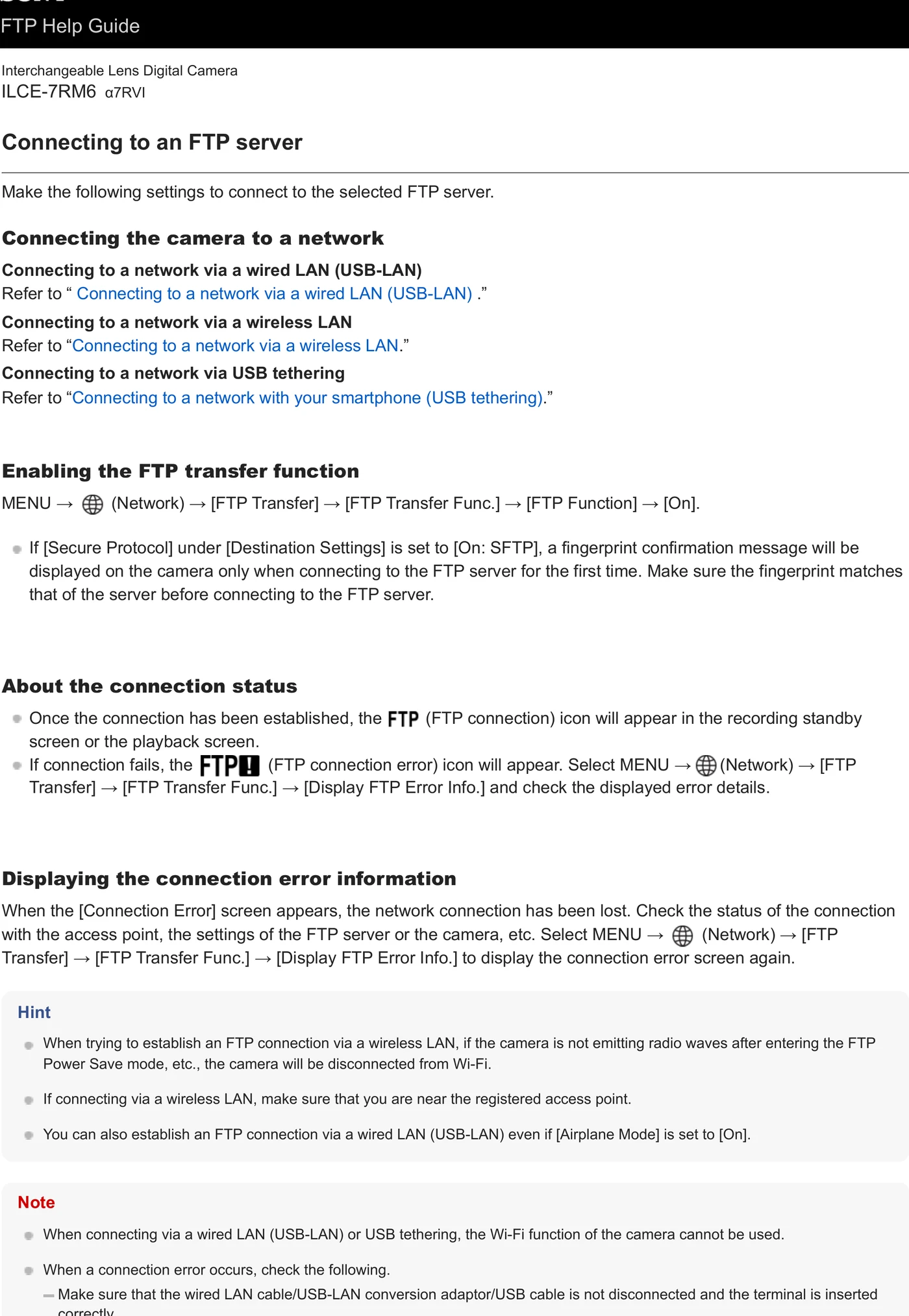
MANUFACTURER MANUAL EXCERPT · 1/1
Reviewed menu evidence for ILCE-7RM6 (Alpha 7R VI) from the archived manual, page 14.