01The camera cannot find or connect to the server
Confirm the camera has an IP address, the hotspot has Internet access, the host field contains no URL scheme/path, and the venue permits the published control and data ports.
02Login or destination-folder error
Re-enter the scoped username and secret, preserve case, and copy the target directory exactly; create a fresh ingest credential if the secret may have been exposed.
03Small files work but RAW or video stalls
Check remaining card space, battery/power, hotspot sleep settings, passive-mode configuration, signal strength, gateway size limits, and whether the camera permits that file type in the selected transfer mode.
04FTP data connection opens but no bytes move
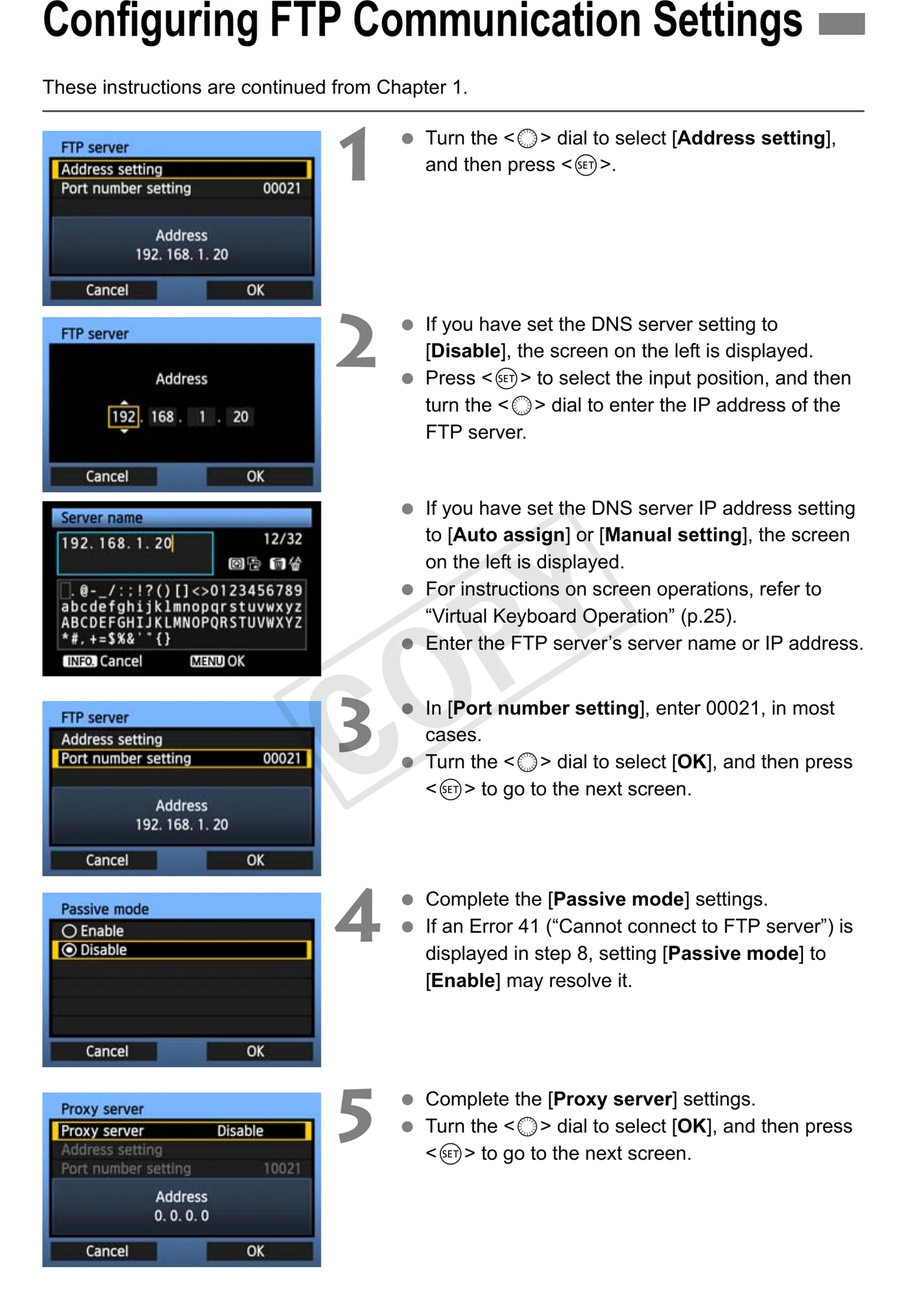
Use the passive-mode value from Camera to Anywhere and confirm the network allows the FTP data-port range.
05The camera says sent but the destination does not show the asset
First verify the input gallery received the complete file, then inspect routing-node status; camera success covers the ingest hop, not Dropbox, NAS, or another downstream destination.
06Retries create duplicates or overwrite a prior file
Use a unique camera/job prefix and review the body manual overwrite/rename setting; Camera to Anywhere should deduplicate by upload identity and checksum rather than filename alone.