01
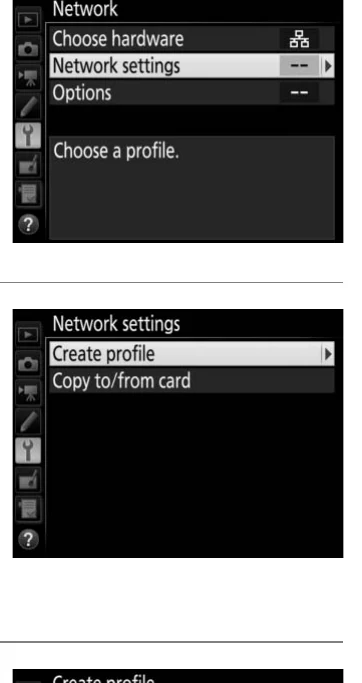
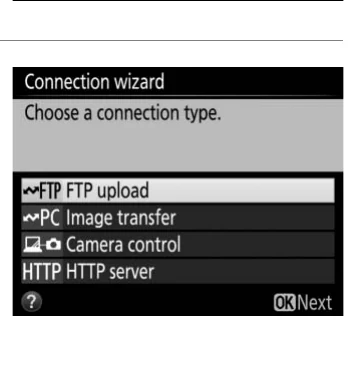
Setup menu > Network > Choose hardware
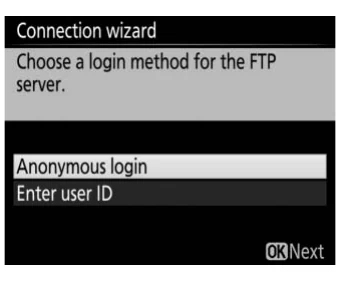
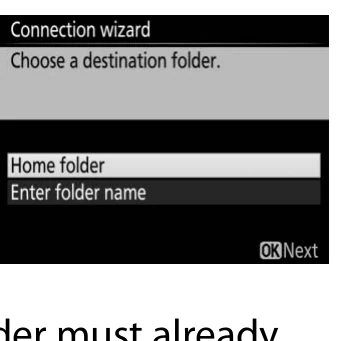
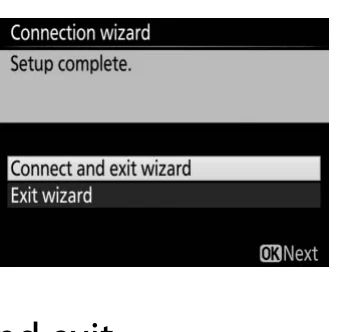
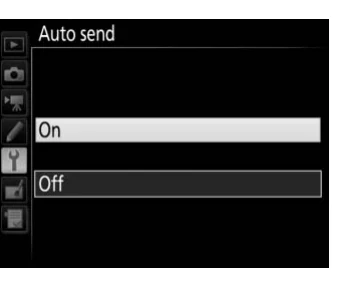
With the WT-7 attached and powered on, choose Wired LAN or Wireless LAN for the event network.
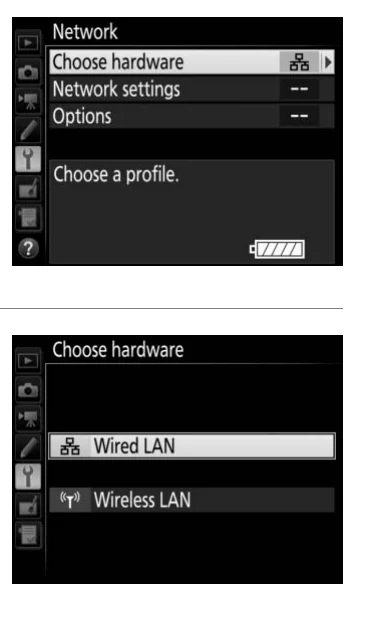
With the WT-7 attached, open Network > Choose hardware and select Wired LAN or Wireless LAN for the event route.
Nikon WT-7 User’s Manual · PDF p. 76 · printed p. 60 ↗Instructional excerpt from an official Nikon manual; copyright remains with Nikon. Do not publish without a documented rights decision.